




Security
Keep Your Accounts More Secure
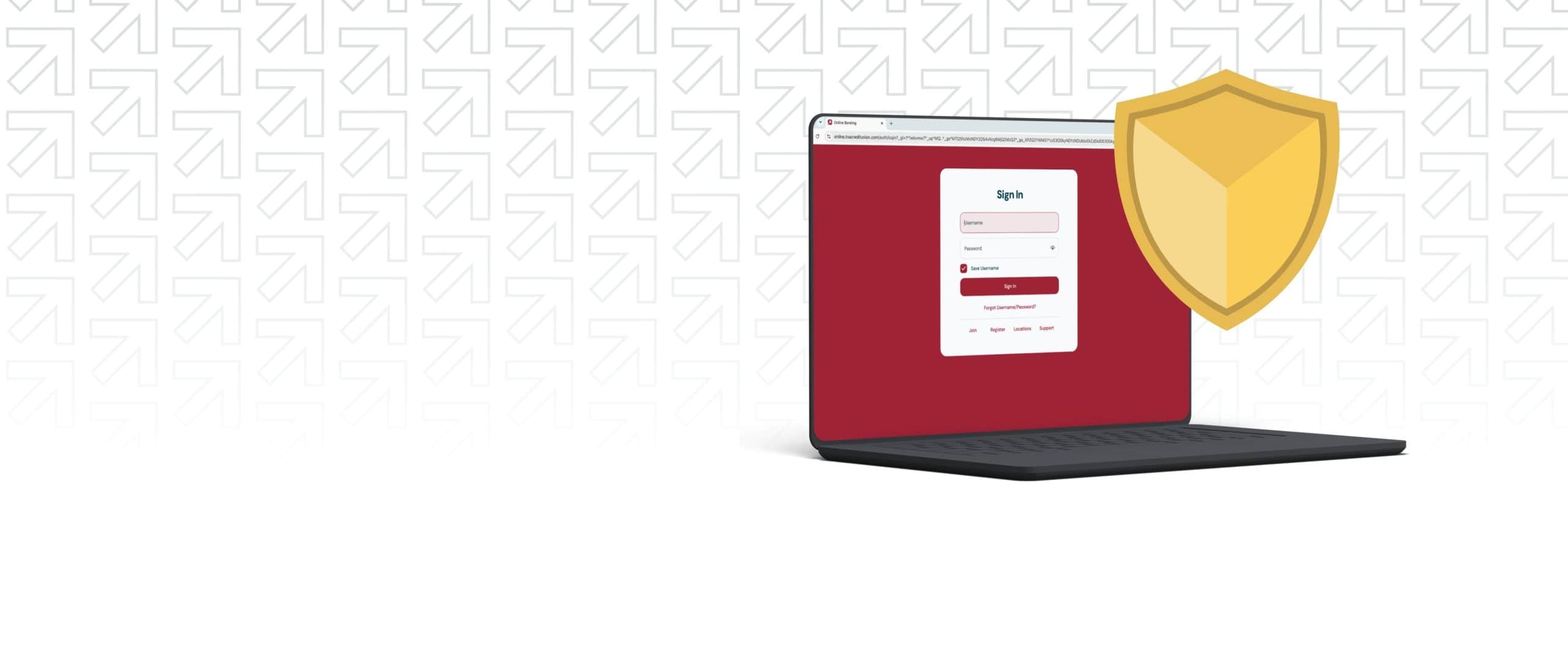
Digital Banking Security Features
Digital banking makes it easier than ever to monitor your accounts for suspicious activity. With security measures like biometric login, password requirements, and two-step verification, your accounts stay more secure in digital banking.
Protect Your Accounts with Built-In Security Tools
Our dedicated fraud team works hard to keep your money safe. We keep your money secure and monitor your accounts to spot suspicious activity. But account safety is a team effort. That’s why we also provide tools to help you protect your money, your personal information, and your peace of mind.
Account Alerts1
Account alerts help you never miss a thing. Log in through digital banking and choose the alerts you’d like to receive. Then, choose how you’d like to be notified. Alerts are available through text or email. Set alerts for activity such as:
- Your balance
- Transactions
- Payment due dates
Card Fraud Text Alerts2
When you get a debit or credit card with us, you’re automatically enrolled in Card Fraud Text Alerts. We’ll text you from a 5-digit shortcode to ask about any suspicious transactions.
- Reply “NO” if you don’t recognize the transaction
- Reply “YES” if you do
- If you aren’t sure, call us or visit a branch!
Card Controls3
Card controls are set in your digital banking profile. With card controls, you choose how and when your card is used.
- Turn your cards on and off anytime and from anywhere
- Manage when and where you use your card, even at specific merchants
- Set real-time alerts for when your card is used
TIP: Save our toll-free number and our Card Fraud Text short code numbers to your contacts. This will help you spot fraudulent text alerts and attempts to contact you.
Create Strong, Secure Logins
Strong usernames and passwords serve as an extra layer of security for your accounts. Here’s how to update your login information:
- Log in to digital banking and select your initials in the top right corner
- Click Settings and then select Security
- Next, click Username or Password
- Enter new login info and press Save
How, When, and Why We Will Contact You
If we need to contact you, we may need to verify your identity. However, we will never contact you to ask for your username, password, account reset codes, PIN, debit/credit card numbers, Social Security Number, or account information. We will never ask you to send money over the phone, or to copy, forward, or send us a link.

We’re Officially AARP BankSafe Trained
We are proud to announce that we have earned the AARP BankSafe Trained Seal for three consecutive years. Our employees are trained to help prevent financial exploitation.
Cryptocurrency & KTVAECU
We do not perform, sell, or hold transactions with any form of cryptocurrency (Bitcoin, Litecoin, Dogecoin, Stablecoin, etc). Beware of any comments, reviews, or posts on Credit Union social media pages or website about Bitcoin transactions or transactions with any form of cryptocurrency.

Security FAQs
Not finding what you’re looking for?
Contact Us
Help protect your account through account alerts and card controls. Account alerts notify you of important activity in real time, while card controls allow you to manage when and how your debit card is used. These tools help you quickly detect and stop unauthorized transactions. Monitor transactions often and keep your contact information up to date.
It’s also important to stay informed about the latest fraud tactics. Scammers frequently change their methods—using phishing emails, spoofed phone numbers, fake text messages, and social engineering tactics to get you to share your personal information. Stay up to date on common scams, and you’ll be better able to recognize red flags. Learn more about common types of fraud and red flags to look for on our Fraud webpage.
If you notice unauthorized transactions or suspicious activity, contact us immediately. You should also use card controls to turn off your card (if applicable) and review recent account activity.
Scammers are evolving their tactics at a rapid pace. The Credit Union values your trust. We encourage you to contact us by phone at our publicly listed phone number (865) 544-5400 to verify the identity of any individuals you do not recognize.
For information on debit/credit card disputes, please visit the Card Disputes page.
If you have additional questions, please call (865) 544-5400 during regular business hours.