




Card Controls1
Manage How
Your Card is Used
More Control and Convenience
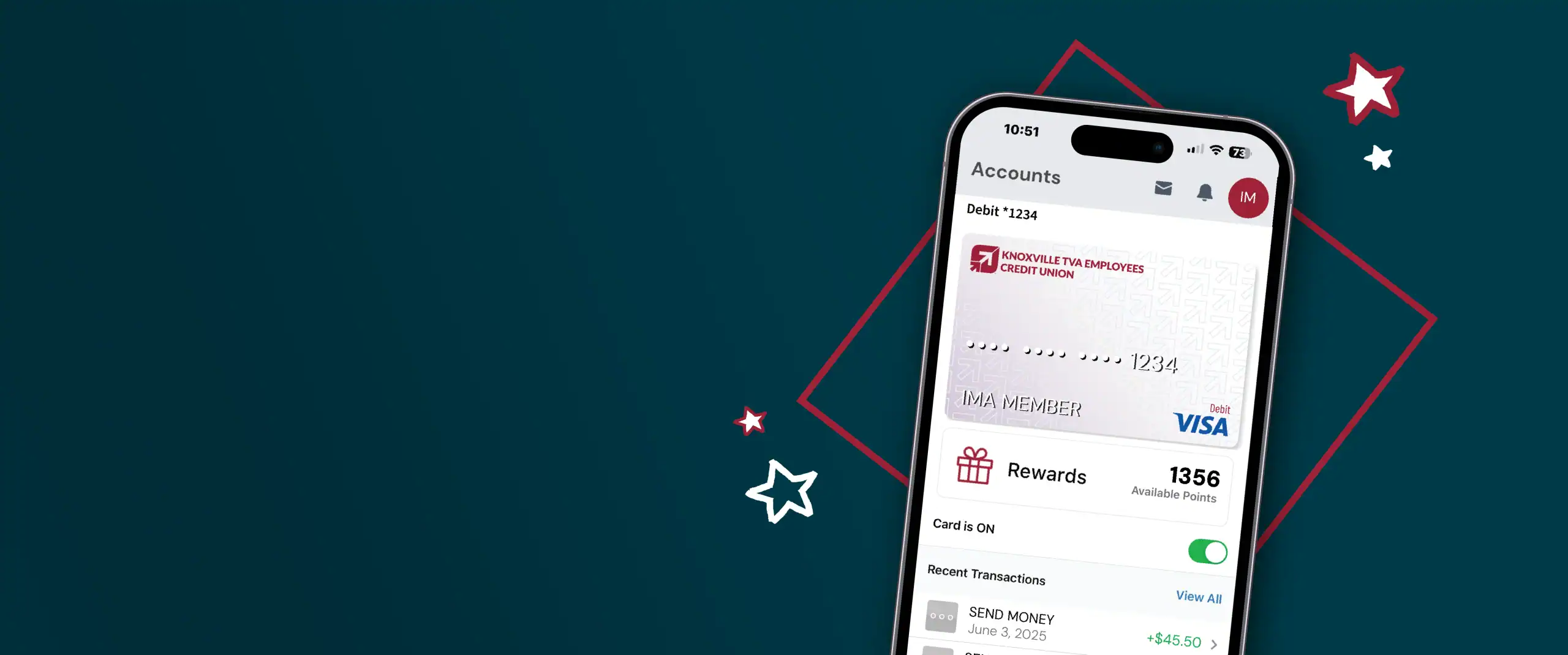
Card Controls gives you full control over when, where and how your cards are used. It’s easy! Activate your card, turn cards on or off, set spending limits, and get alerts with every swipe. Plus, add your card to your digital wallet so you always have it with you!
Get Started with Card Controls
Step One
Log in to digital banking
Step Two
Choose Cards from the navigation menu
Step Three
Press Add Card
Step Four
Enter your card number and select Continue
Step Five
Verify your card, and you’re all set
Key Features of Card Controls

Turn Cards On & Off2
Activate your new card, or turn off a card if it is lost or stolen.
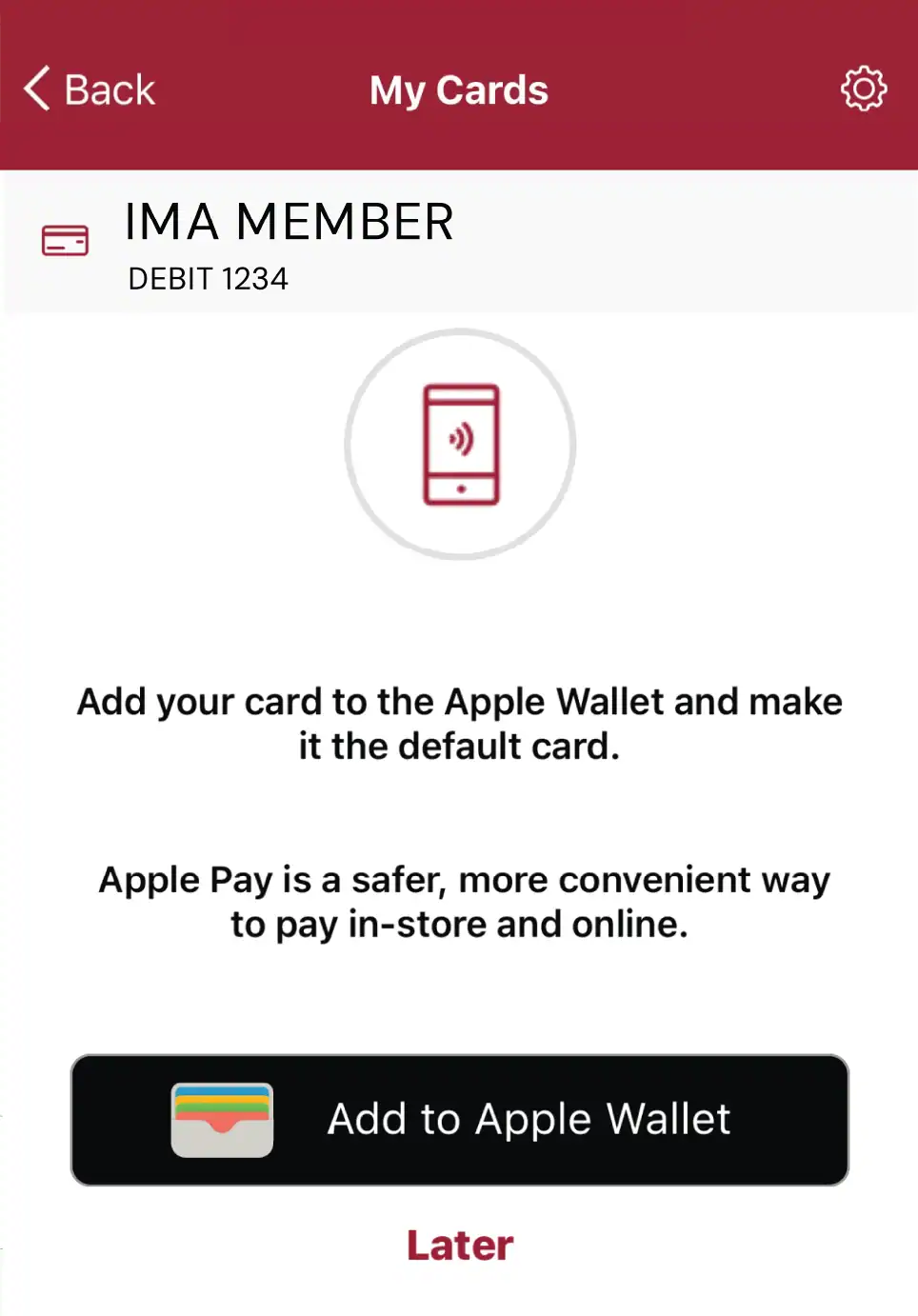
Add Cards to Your Digital Wallet3
Add multiple cards to a digital wallet for on-the-go payments. Learn how to start using your digital wallet here.

Set Transaction Limits
Set limits for your card usage to help you manage your money. Set limits on transaction size or daily use.

Customize Alerts4
Turn alerts on or off for transactions, balances, suspicious activity, and more.

View Your uChoose Rewards® Points5 Balance
View your rewards for each card as you accrue them.

Update Your Travel Plans6
Share your travel plans so your card works seamlessly wherever you go.
Change Your Pin
Change your card PIN securely in digital banking.
See Your Card Information
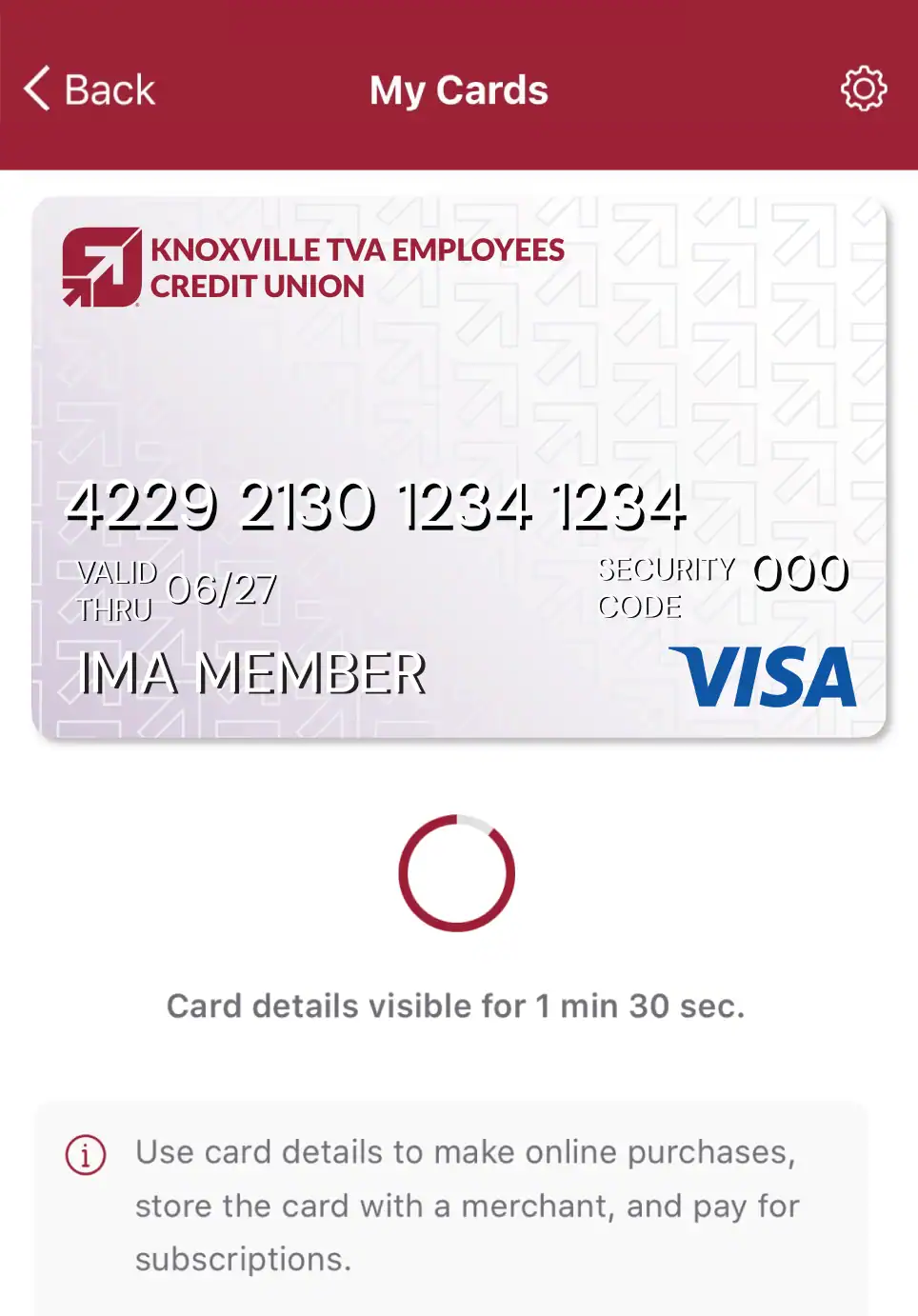
Quickly see your card numbers in a secure portal, and see which businesses have your card information on file.
Download the App7
Get our mobile app for full access to tools to help you stay connected to your accounts.


Card Controls FAQs
Can’t find your question about Card Controls? Contact Us
Card controls give you more control over how and when your debit or credit card can be used. Depending on your card, you may be able to turn your card on or off, set transaction limits, receive alerts, and manage where your card can be used.
You can access card controls through TVA Credit Union’s digital banking.
- Go to Cards
- Add your card information
- Hit verify and you are ready to go!
Select your card to view the available controls and settings.
Yes. If you misplace your card, you can temporarily turn it off using card controls. If you believe your card has been lost or stolen, contact TVA Credit Union as soon as possible to report it and determine whether a replacement card is needed.
Yes. Card controls may allow you to set up transaction alerts so you can monitor activity on your card and quickly identify transactions you don’t recognize.
Yes. Card Controls can help you manage your card while traveling. Before you travel, review your card settings and make sure your contact information is up to date.